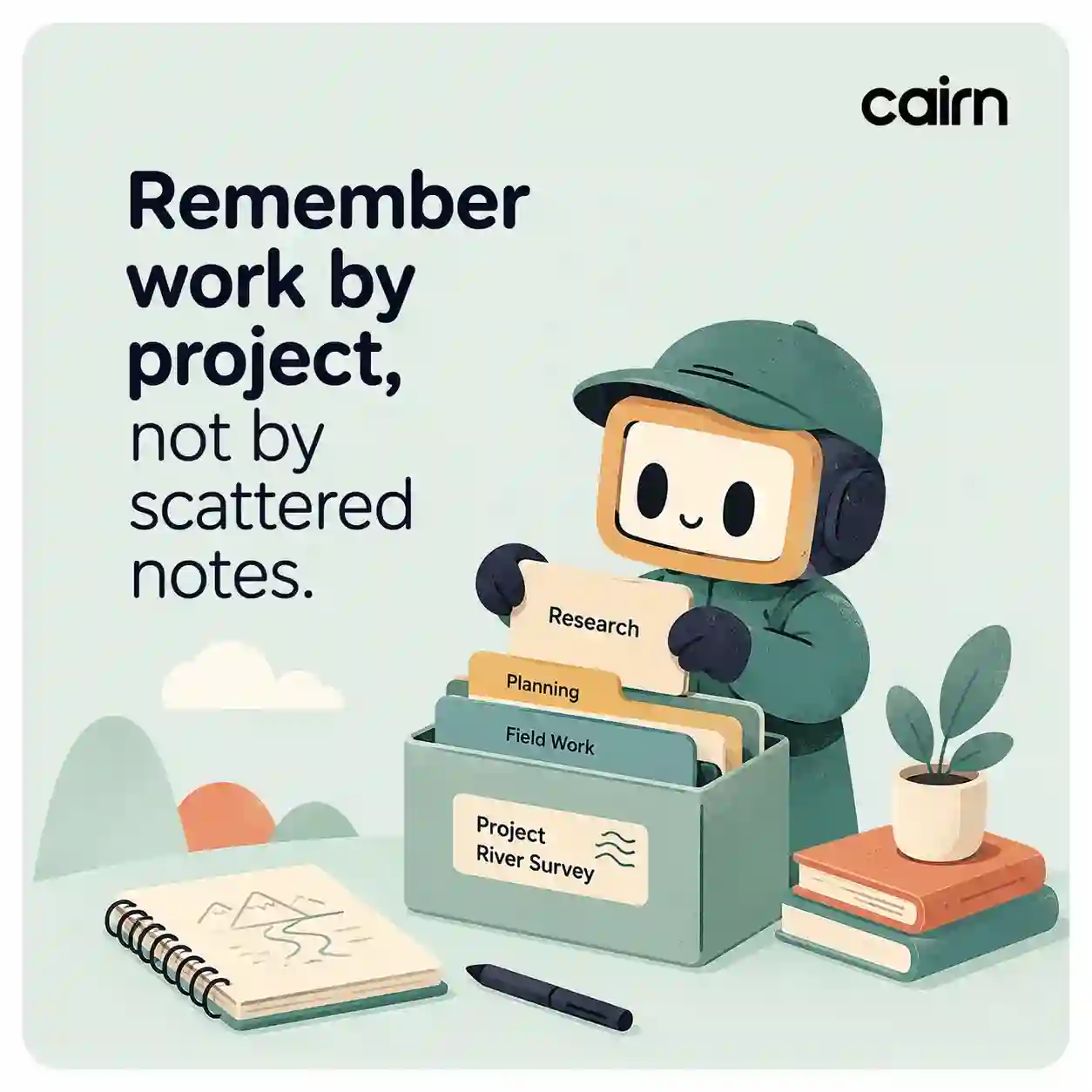
Remember
Save transcripts by project
Cairn organizes source transcripts around the patient, client, property, legal matter, site, operation, or workstream they belong to. Find context later without digging through loose recording files.
Project memory beats loose files
Professionals do not ask for recording 17. They ask what happened with a client, site, patient, matter, or project.
Cairn organizes transcripts around the real object of work so context is always attached to the right record — not scattered across a flat list of files with unhelpful names or vague timestamps.
Local-first core memory
Core app memory is stored locally on the device, while requested AI, auth, billing, and cloud features use external services.
This design means transcripts and project structure remain available regardless of network conditions during field work where connectivity is often unreliable or absent.
Return without hunting
A user can come back to the project later and find the context without digging through a long list of recordings.
The project view shows what happened, what changed, and what still needs attention — organized around the patient, property, matter, or site rather than the recording date or file name.
Note templates for professions
Clinical, inspection, real-estate, legal, and general formats help notes match the way each profession works and remembers.
Templates are not rigid: each profession gets a starting format that captures what matters most, and the user can adapt every field individually for the specific visit or discussion.
Multi-project workspace
Professionals working across multiple clients, sites, or matters can switch between projects without losing context or mixing up transcripts.
Each project maintains its own timeline, saved transcripts, and AI memory scope so a query about one project never pulls information from another — critical for compliance, clinical, and legal boundary requirements.